

Opening the request
1
Go to Help
Sign in to uPortal360 and select Help, then Start Inquiry.
2
Choose Promotional Offer
Under Billing, find I Have a Question About My Promotional Offer and select Select.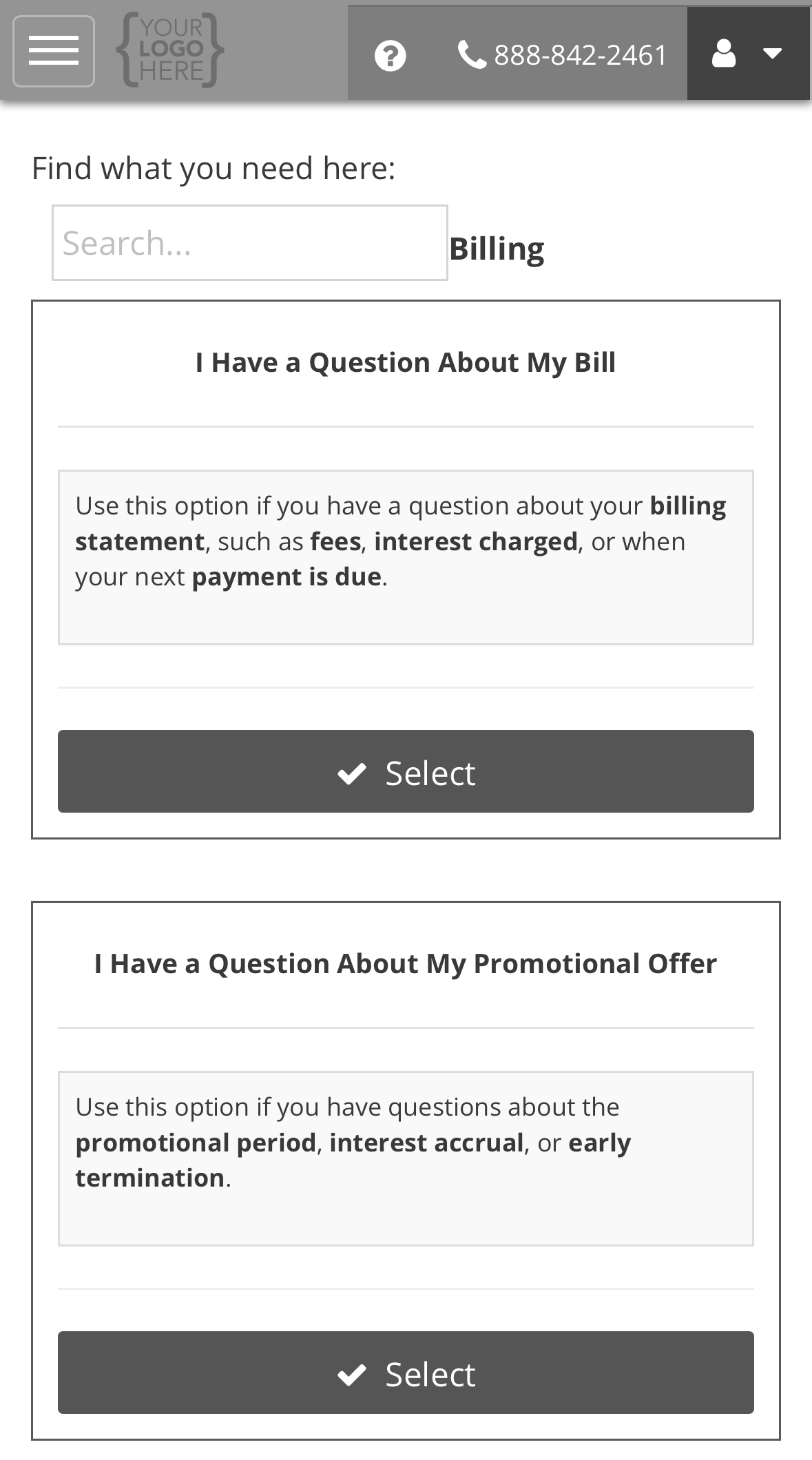
3
Complete the form and submit
Answer both questions, then select Submit. The steps after that, from your case
number to your ticket, are the same for every request type. See the example on Opening a support request.
What the form asks, and why
Choosing a question
What happens next
We acknowledge the request by the next business day. Most are answered within 11 business days. See Reading your ticket.All request types
Back to support requests.