

Call (888) 233-2302
Call if a payment is due soon.
Opening the request
1
Go to Help
Sign in to uPortal360 and select Help, then Start Inquiry.
2
Choose Hardship
Under Billing, find I Have a Hardship and select Select.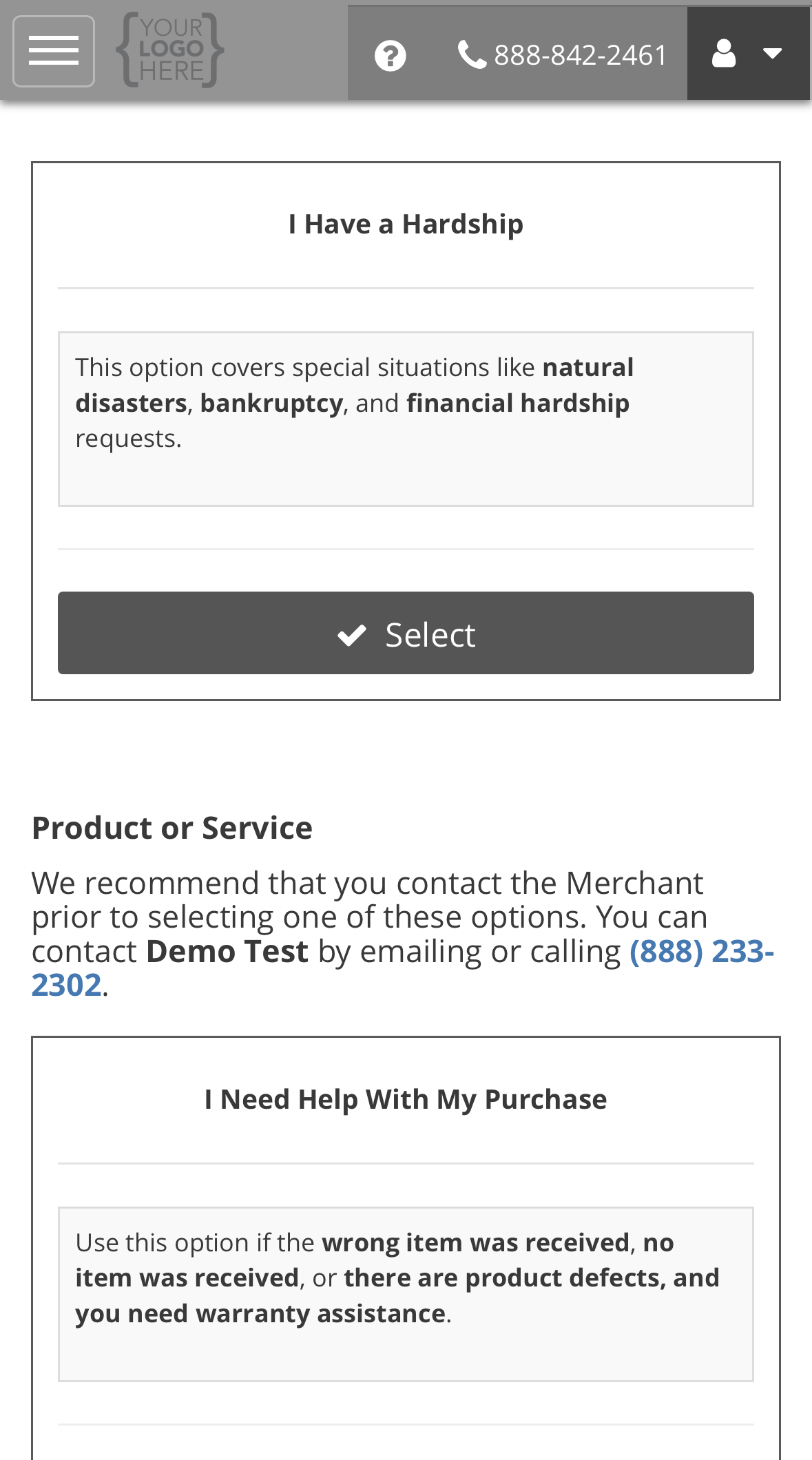
3
Complete the form and submit
Answer both questions, then select Submit. The steps after that, from your case
number to your ticket, are the same for every request type. See the example on Opening a support request.
What the form asks, and why
Serving in the military? You may have separate protections. See
Military service and the SCRA.
What happens next
We acknowledge the request by the next business day and contact you about the options. Keep paying what you can while it is open. A request does not pause your payments. See Reading your ticket.All request types
Back to support requests.