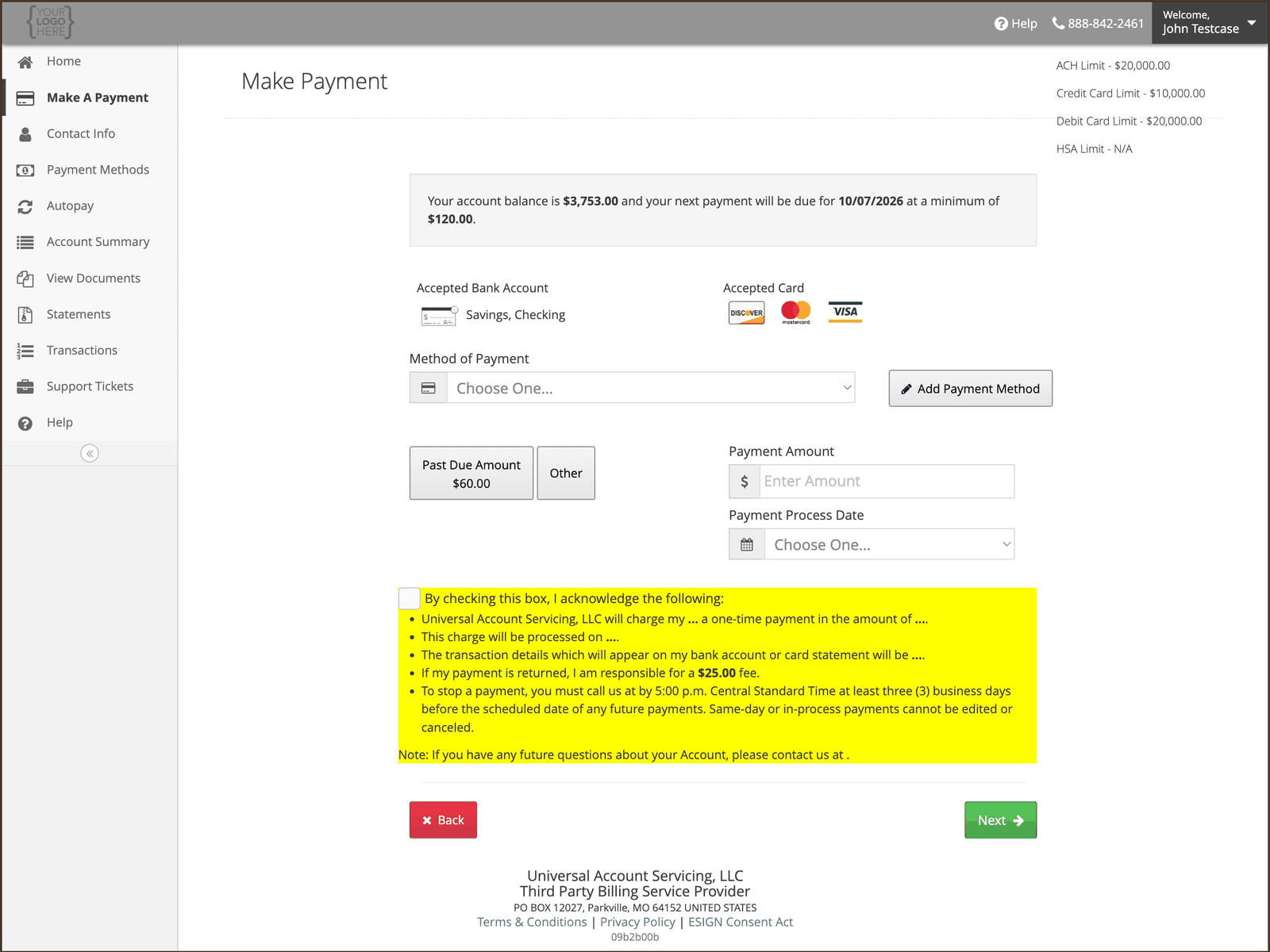
Your account’s list is on the Make A Payment screen. Which methods you can use depends on the
finance program your account belongs to, so it is not the same for everyone. In uPortal360, go to the
Home page and select Make Payment to see yours.
What that means
The methods offered to you are set by the program your account was originated under — by the bank or lender that funded it, by the card network rules that apply, and by the law of your state. Two people with a UAS account can be shown different lists, and both are correct. Whatever your list is, at least one way to pay is always available to you at no extra cost.What is usually available
If your credit card declines and your debit card works
That is not a fault, and it is not about your card. Some accounts are set up so that credit cards cannot be used to repay them — the card network rules that apply to repaying a debt permit a debit card on those accounts but not a credit card. If that applies to your account, you will not be offered a credit card option on the payment screen, and a credit card entered anyway will be declined. Use a bank account or a debit card instead.If you are paying with a prepaid or payroll card
A card that holds a balance rather than drawing on a bank account or a credit line — a general-purpose reloadable card, a payroll card, a gift card, a virtual card number — works for a one-time payment on your account. You can put one on AutoPay, but think about it first. A prepaid card only pays if the balance is there on the day. Unlike a bank account, there is no overdraft behind it — the payment declines. Three declines take the card off AutoPay, and then nothing is paying your account. If you use a prepaid card for AutoPay, load it before your due date every month, and turn on the AutoPay e-alert so you find out the same day if one fails — see Alerts and paperless statements. A bank account or a debit card is the steadier choice for a payment that has to succeed every month. Whether a card counts as prepaid is read from the card number itself, not from the network name on the front. A payroll card carrying a Visa or Mastercard mark is still a prepaid card.Paying from a bank account
You will need your 9-digit routing number and your account number — both are on a check, and the payment screen shows a diagram of where to find them.