

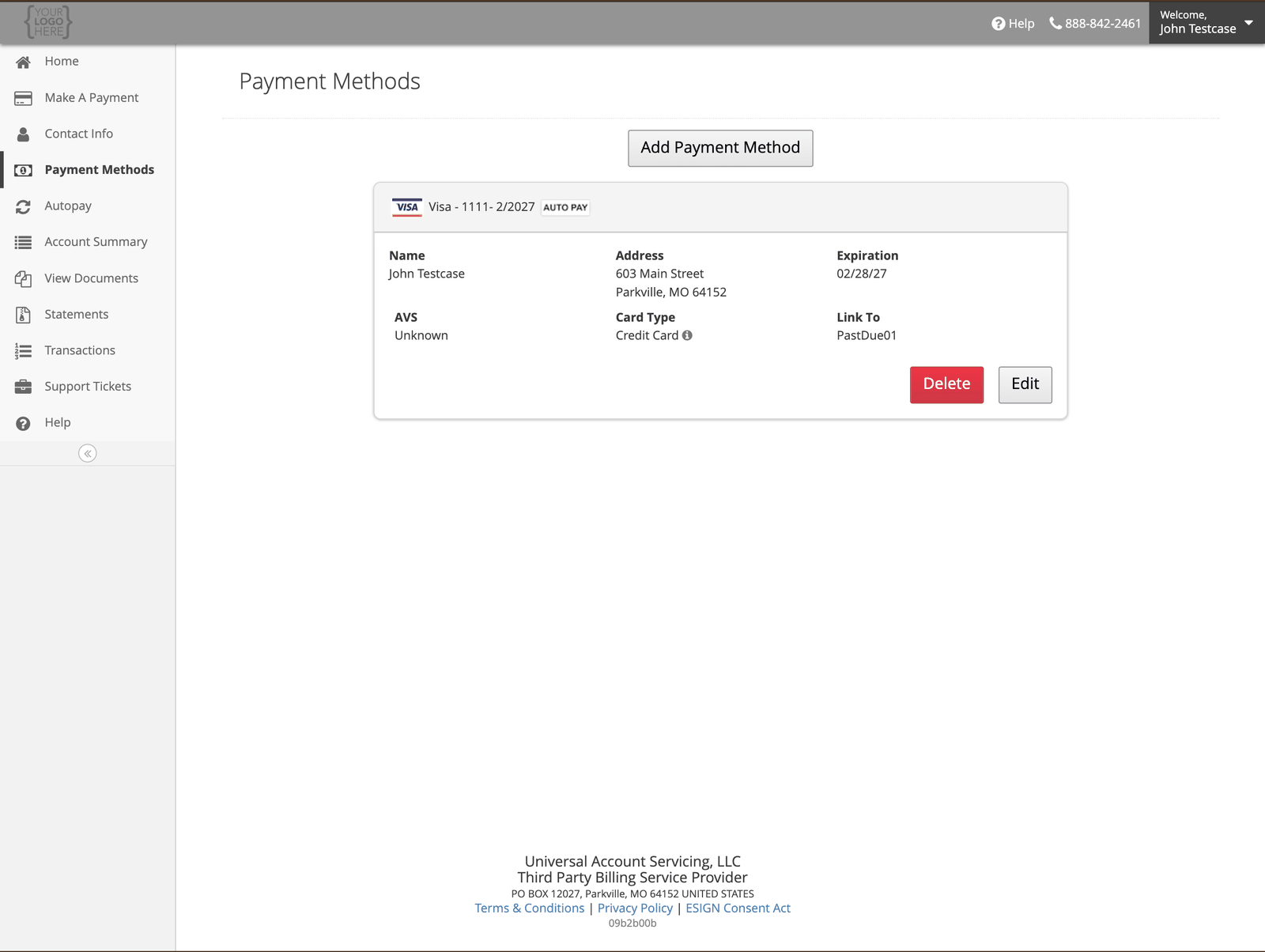
Adding one
Select Add Payment Method, then choose Bank Account or Card. For a bank account you will need your 9-digit routing number, your account number, and whether it is checking or savings. The screen shows a check diagram if you are not sure which number is which.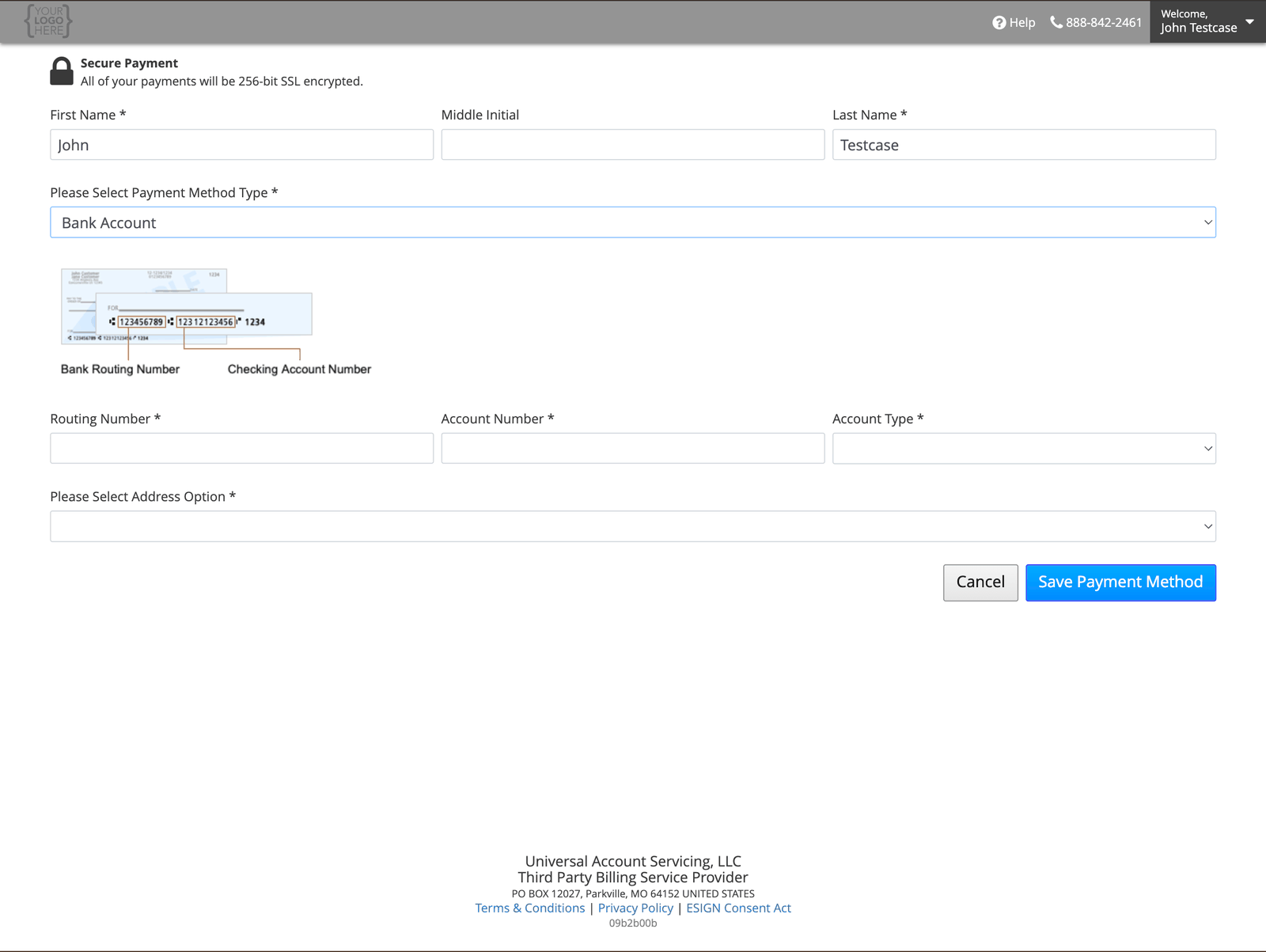
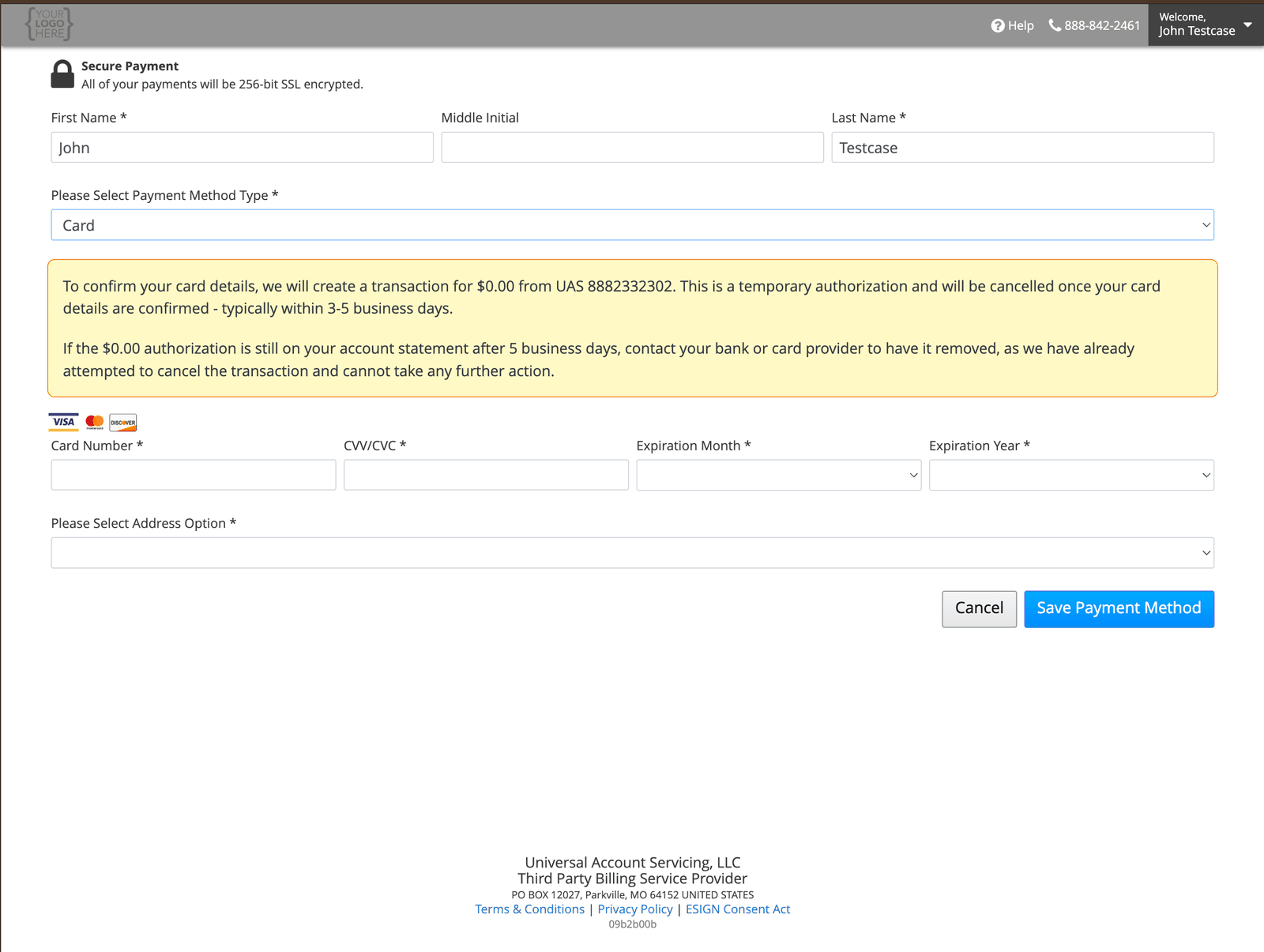
**You may see a $0.00 charge from us.** When you add a card we run a temporary $0.00
authorization, shown as UAS 8882332302, to confirm the details. It is canceled automatically,
usually within 3–5 business days.If it is still showing after five business days, contact your bank or card issuer — we have
already canceled it and cannot do more from our side.
If Save does nothing
If you select Save and nothing happens, and no error message appears, call (888) 233-2302. An agent can help. Before you call, scroll through the whole page from top to bottom. An error can be showing on a field or section you cannot see until you scroll. Fix it, then select Save again.Changing one
The buttons do different things, and the difference is not obvious:
To change a card number, use copy-and-delete rather than Edit.