

Opening the report
1
Go to Help
Sign in to uPortal360 and select Help, then Start Inquiry.
2
Choose The Account is Not Mine
Under Identity Theft, find The Account is Not Mine and select Select.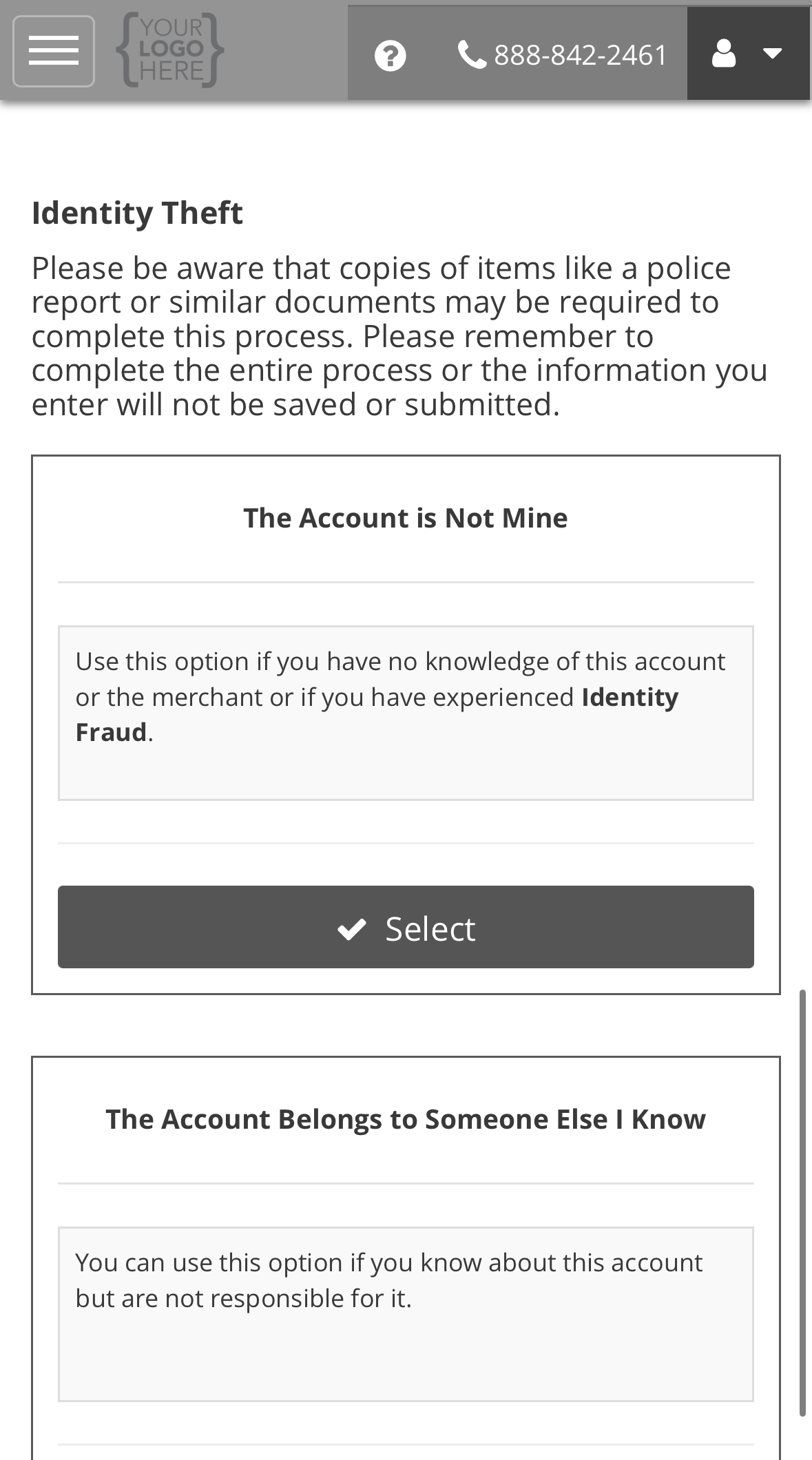
3
Complete the form and submit
Answer both questions, then select Submit. The steps after that, from your case
number to your ticket, are the same for every request type. See the example on Opening a support request.
What the form asks, and why
Choosing an option
What happens next
We investigate. We may ask you for documents, and you need to respond for the investigation to move forward. We may also check with the business the account was opened with. They may hold the purchase date, the location and the identification used. Investigations can take up to 60 calendar days. You can follow it under Support Tickets. See Reading your ticket. If identity theft has also affected your credit report, see Your credit file.All request types
Back to support requests.