

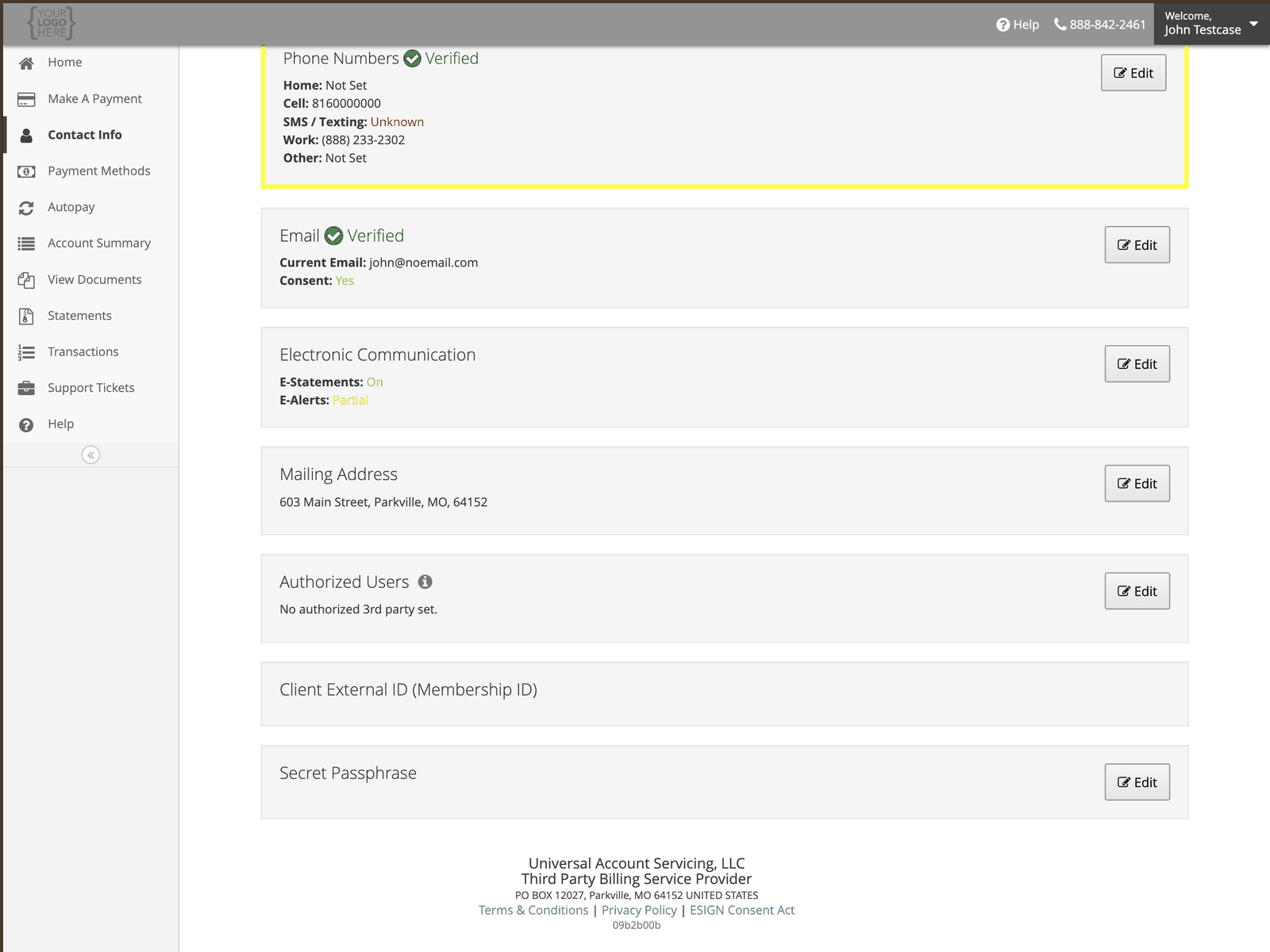
Authorized users
An authorized user is someone you permit to deal with us about your account — a spouse handling the household bills, or an adult child helping a parent. To add one, select Edit beside Authorized Users and enter their details. You can remove them the same way, at any time.An authorized user is not the same as a cosigner. A cosigner or co-applicant signed the
contract and is responsible for the debt — their authority comes from the contract and cannot be
removed. See Co-applicant access.An authorized user carries no responsibility for the debt, and you can remove them at any time.
Secret passphrase
A word or phrase we can ask for to confirm your identity when you contact us. Setting one is optional. Choose something you will remember but that someone who knows you could not guess. Do not reuse a password from anywhere else — this is spoken aloud to an agent, not typed into a login screen.What we store, and what we don’t
More detail in How we protect your data.