> ## Documentation Index
> Fetch the complete documentation index at: https://faq.universalaccountservicing.com/llms.txt
> Use this file to discover all available pages before exploring further.
# How to sign in
> Sign in to uPortal360 with your Account Number and Access Code, then answer one security question.
Signing in takes two things you were given when your contract was signed, plus one security question.
**You have an Account Number and an Access Code — not a username and password.** Both were
assigned to you when your contract was signed.
The sign-in screen shows both sets of labels because businesses that offer financing sign in on
the same page. Put your **Account Number** in the *Username/Account Number* box, and your **Access
Code** in the *Password/Access Code* box.
## Sign in
Open [uportal360.com/login](https://uportal360.com/login).
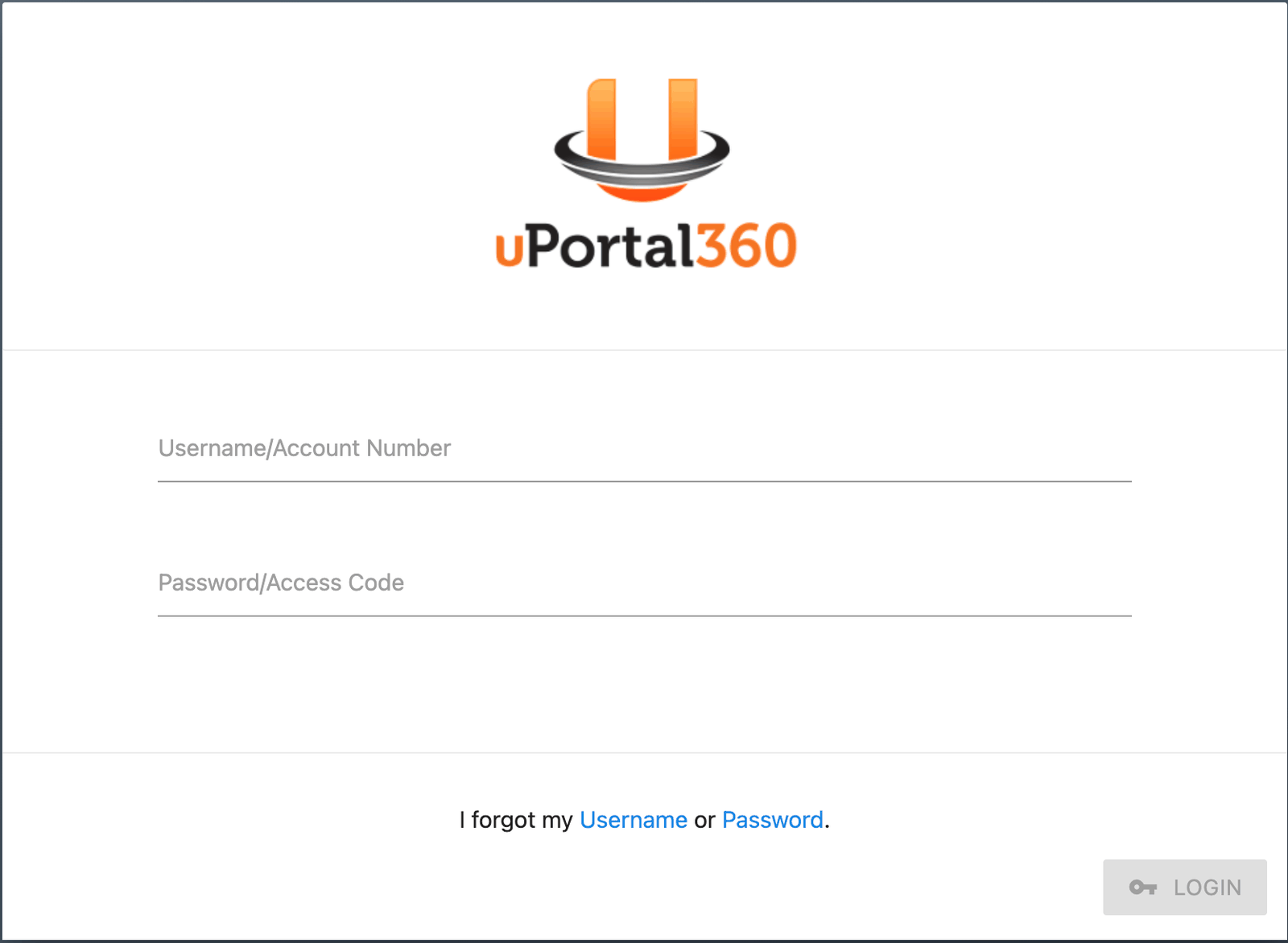 Your Account Number looks something like `A1B2C34LOA01`. Your Access Code is numeric.
Don't have them? See [Finding your Access Code](/signing-in/finding-your-access-code).
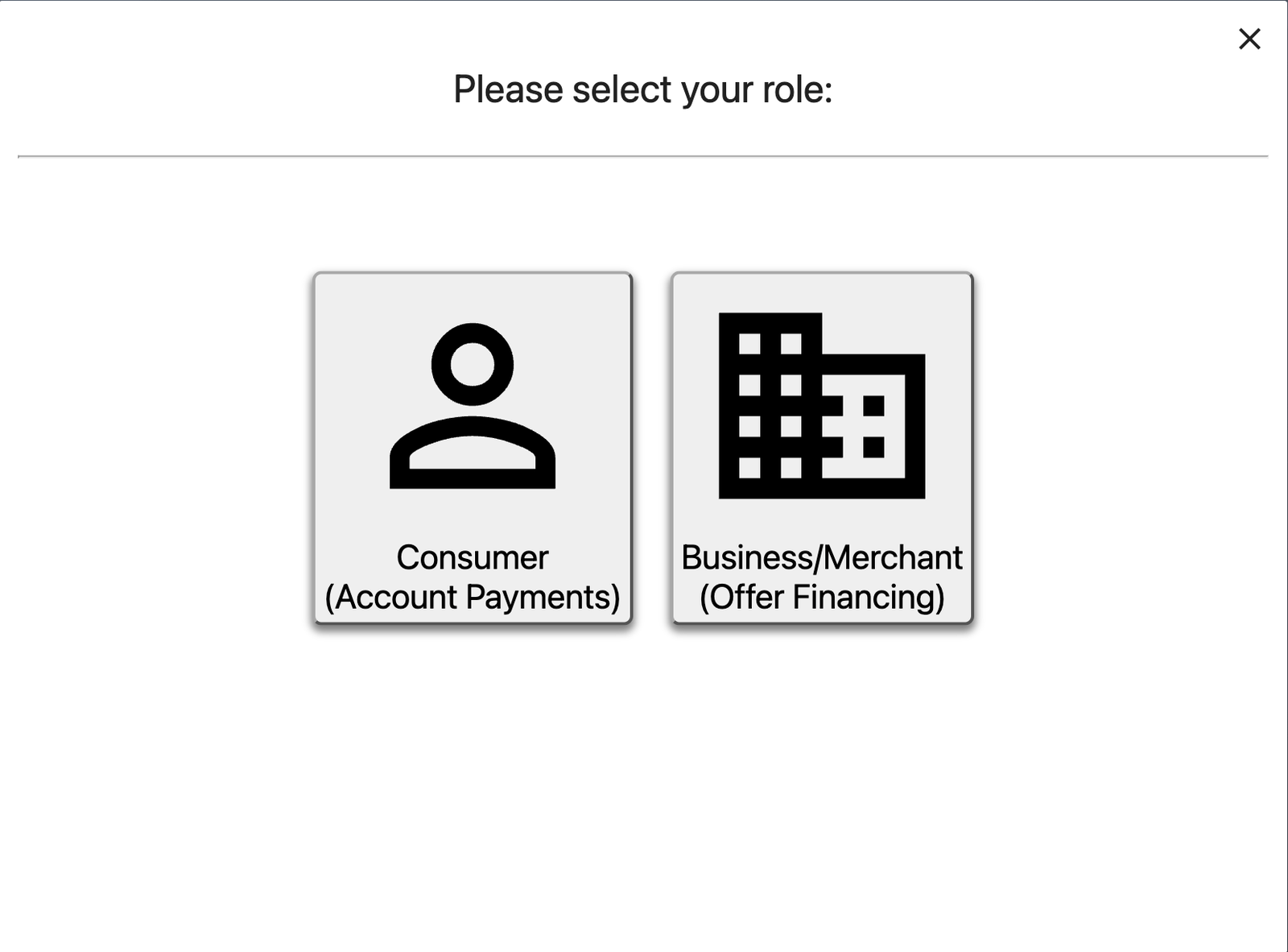
If you are asked to select a role, choose **Consumer (Account Payments)**. The other option is
for businesses that offer financing.
Your Account Number looks something like `A1B2C34LOA01`. Your Access Code is numeric.
Don't have them? See [Finding your Access Code](/signing-in/finding-your-access-code).
If you are asked to select a role, choose **Consumer (Account Payments)**. The other option is
for businesses that offer financing.
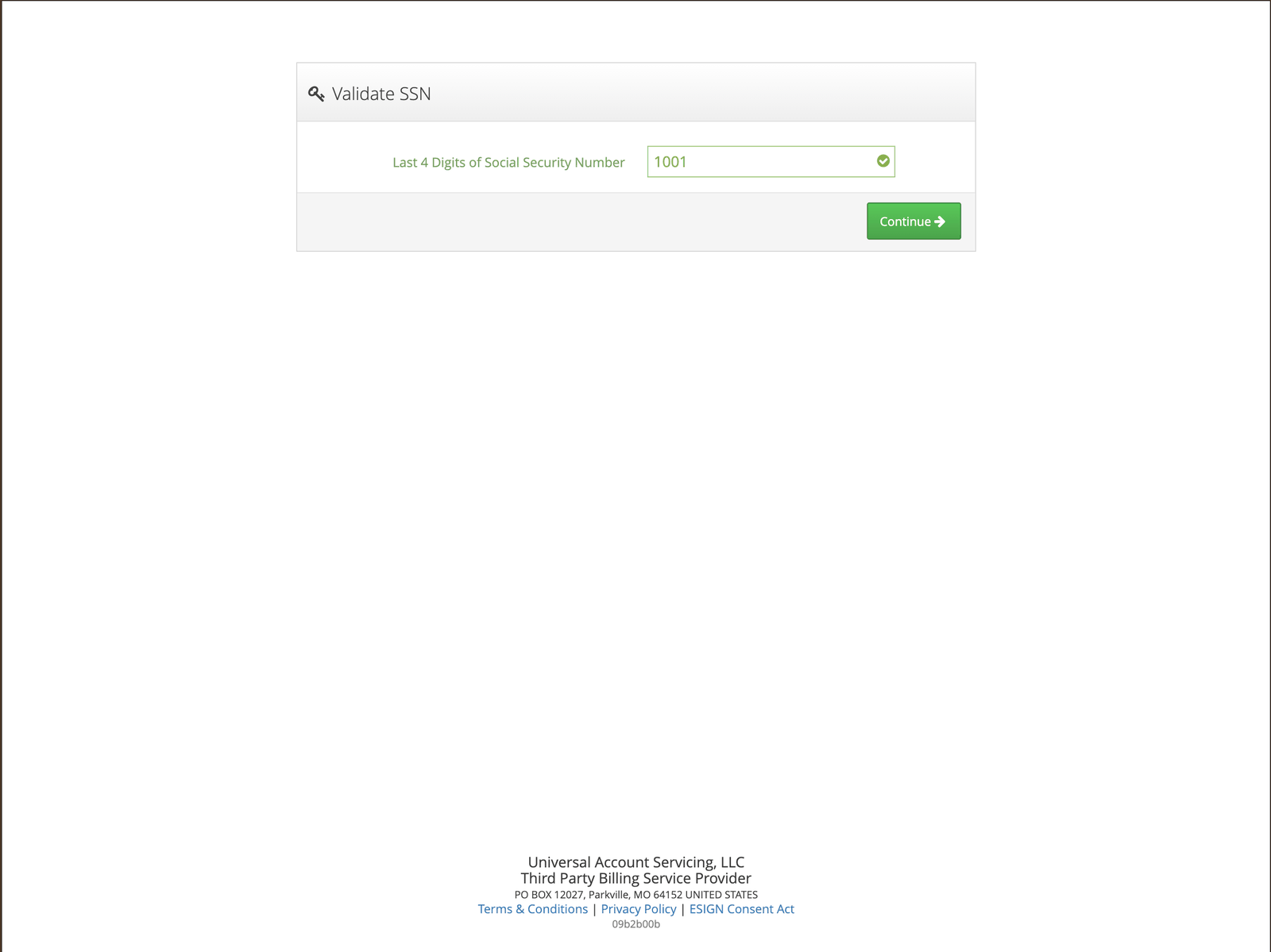
 You will be asked to confirm your **date of birth**. If you would rather answer something else,
select **Answer a Different Question** and confirm the **last four digits of your Social
Security Number** instead.
You will be asked to confirm your **date of birth**. If you would rather answer something else,
select **Answer a Different Question** and confirm the **last four digits of your Social
Security Number** instead.
 ## Why the extra question
Your Account Number and Access Code were both assigned by us and both appear on your paperwork. The
security question is what stops someone who has seen your statement from getting into your account.
## If you're a co-applicant
The security question asks about the **primary account holder**, not you — their date of birth or
the last four of their Social Security Number. See
[Co-applicant access](/signing-in/co-applicant-access).
## If it won't let you in
| What you're seeing | Where to go |
| ------------------------------------------------- | ---------------------------------------------------------------- |
| You don't have your Account Number or Access Code | [Finding your Access Code](/signing-in/finding-your-access-code) |
| "Validation Failed" | [If you see "Validation Failed"](/signing-in/validation-failed) |
| You think your Access Code has been compromised | [Requesting a new Access Code](/signing-in/new-access-code) |
## Why the extra question
Your Account Number and Access Code were both assigned by us and both appear on your paperwork. The
security question is what stops someone who has seen your statement from getting into your account.
## If you're a co-applicant
The security question asks about the **primary account holder**, not you — their date of birth or
the last four of their Social Security Number. See
[Co-applicant access](/signing-in/co-applicant-access).
## If it won't let you in
| What you're seeing | Where to go |
| ------------------------------------------------- | ---------------------------------------------------------------- |
| You don't have your Account Number or Access Code | [Finding your Access Code](/signing-in/finding-your-access-code) |
| "Validation Failed" | [If you see "Validation Failed"](/signing-in/validation-failed) |
| You think your Access Code has been compromised | [Requesting a new Access Code](/signing-in/new-access-code) |