> ## Documentation Index
> Fetch the complete documentation index at: https://faq.universalaccountservicing.com/llms.txt
> Use this file to discover all available pages before exploring further.
# Asking for help with a hardship
> Open a hardship request after a natural disaster, a bankruptcy filing or a financial hardship, and what to include.
If something has made your payments hard to keep up with, tell us early. More can be arranged on an
account that is current than on one that is already behind. What is possible, and what each option
costs you, is on [If you are having trouble paying](/getting-help/trouble-making-payments).
A request records your situation in writing. **If a payment is due in the next few days, call
instead.** A request goes into a queue.
Call if a payment is due soon.
## Opening the request
Sign in to uPortal360 and select **Help**, then **Start Inquiry**.
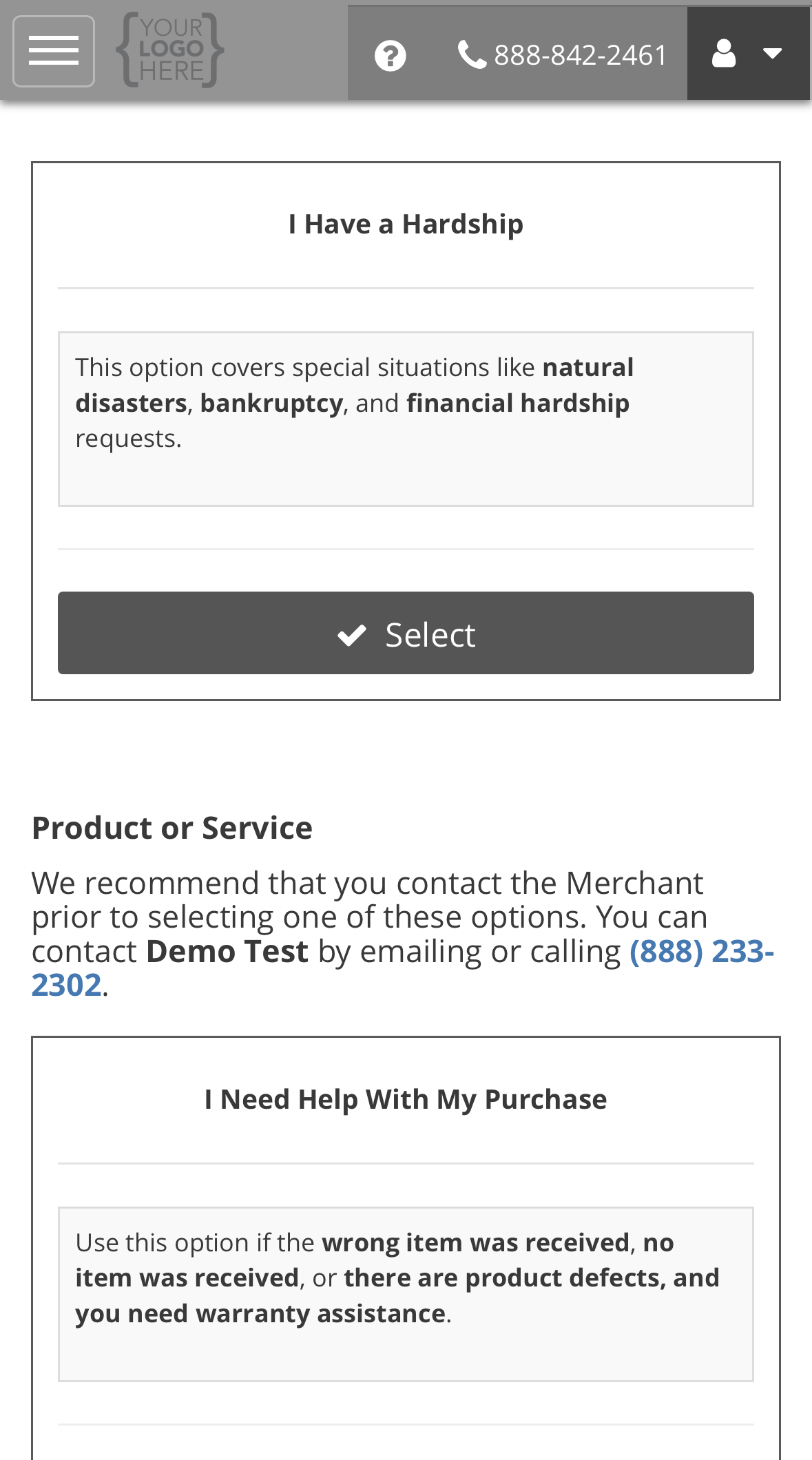
Under **Billing**, find **I Have a Hardship** and select **Select**.
 Answer both questions, then select **Submit**. The steps after that, from your case
number to your ticket, are the same for every request type. See the [example on Opening a support request](/getting-help/opening-a-support-request#example-opening-a-request).
## What the form asks, and why
| Question | What to put, and why we ask |
| ----------------------- | --------------------------------------------------------------------------------------------------------------------------------------------------------------------------------------------- |
| **Select a Hardship:** | **Natural Disaster**, **Bankruptcy** or **Financial Hardship**. Each follows a different process, so pick the closest one. |
| **Additional Details:** | What happened and when, and what you think you can pay now. For a bankruptcy, include the date you filed and your attorney's contact details if you have one. We may ask for documents later. |
**Serving in the military?** You may have separate protections. See
[Military service and the SCRA](/getting-help/military-service-scra).
## What happens next
We acknowledge the request by the next business day and contact you about the options. Keep paying
what you can while it is open. A request does not pause your payments.
See [Reading your ticket](/getting-help/opening-a-support-request#reading-your-ticket).
Back to support requests.
Answer both questions, then select **Submit**. The steps after that, from your case
number to your ticket, are the same for every request type. See the [example on Opening a support request](/getting-help/opening-a-support-request#example-opening-a-request).
## What the form asks, and why
| Question | What to put, and why we ask |
| ----------------------- | --------------------------------------------------------------------------------------------------------------------------------------------------------------------------------------------- |
| **Select a Hardship:** | **Natural Disaster**, **Bankruptcy** or **Financial Hardship**. Each follows a different process, so pick the closest one. |
| **Additional Details:** | What happened and when, and what you think you can pay now. For a bankruptcy, include the date you filed and your attorney's contact details if you have one. We may ask for documents later. |
**Serving in the military?** You may have separate protections. See
[Military service and the SCRA](/getting-help/military-service-scra).
## What happens next
We acknowledge the request by the next business day and contact you about the options. Keep paying
what you can while it is open. A request does not pause your payments.
See [Reading your ticket](/getting-help/opening-a-support-request#reading-your-ticket).
Back to support requests.